🔒 You must have an account to use this tool
· Sign in · Create an account
Timers
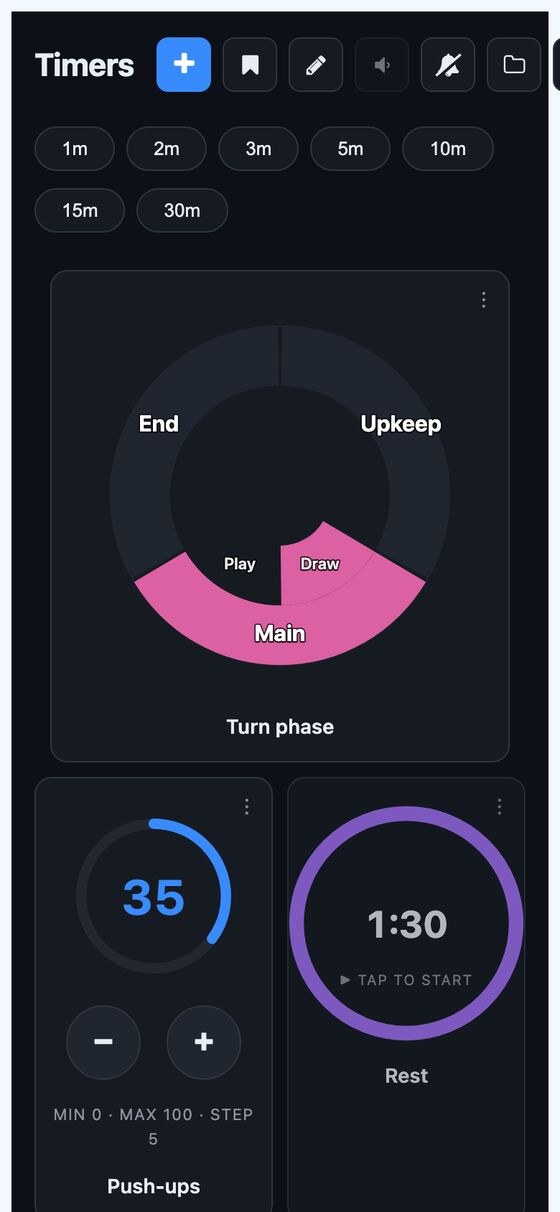
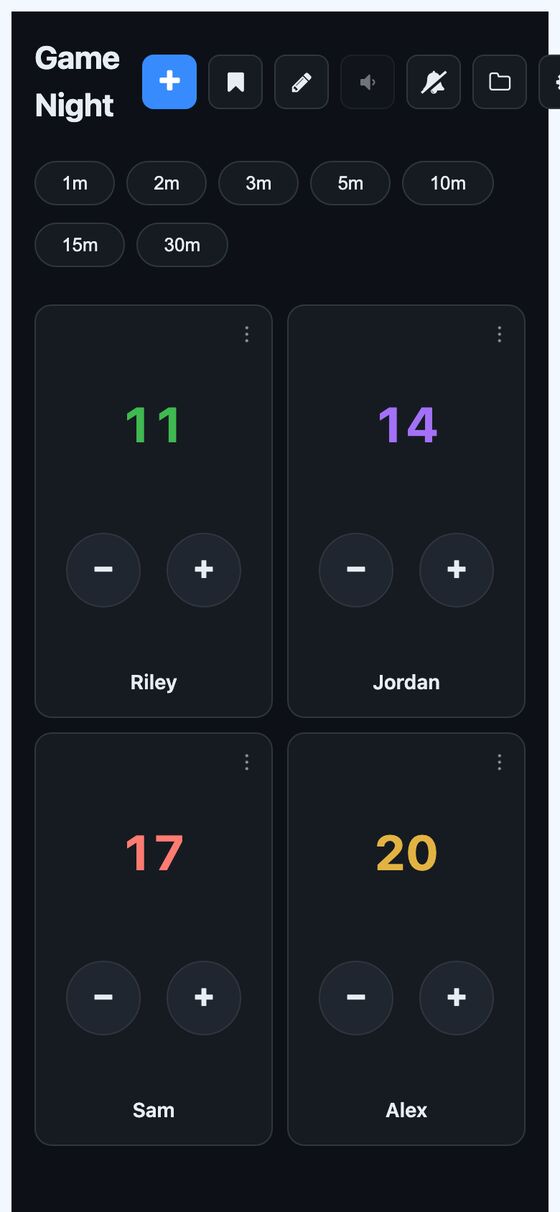
Timers is a phone-first app for running many timers at once, including countdowns, tap counters, and multi-step dials. It organizes timers into named pages that can be installed as separate home-screen apps.
Timers is for situations where several time-based actions need to run together on a phone. It keeps each timer visible on a page, supports multiple timer types, and lets a page or timer be shared by link.
What it solves
Timers is for situations where several time-based actions need to run together on a phone. It keeps each timer visible on a page, supports multiple timer types, and lets a page or timer be shared by link.
It also addresses workflows that need timers to continue running after the app is closed. Timers can fire in the background, and rules can trigger other actions when a timer completes or reaches a condition.
Features
- Countdown timers Start, pause, resume, reset, and optionally repeat a countdown timer.
- Counters Step a counter up or down, set minimum and maximum values, and reset it to a chosen value.
- Dials Move through named sections and optional sub-steps for multi-step workflows.
- Quick-start pills Create and start common countdown lengths in one tap, with editable and reorderable shortcuts.
- Saved templates Save any timer for reuse from the library.
- Named pages Group timers on pages with auto, manual, list_rings, or list_rows layouts.
- Custom page buttons Add link buttons to a page.
- Bulk creation Create a full board of timers in one request.
- Timer rules Trigger sounds, notifications, other timer actions, or automation triggers from timer events.
- Shared links Share a timer or page with a token that can be view-only or interactive, with expiry and revocation.
How to use it
- Open a timers page and choose a quick-start pill or create a new timer.
- Select a timer type: countdown, counter, or dial.
- Start the timer and, if needed, pause, resume, reset, or adjust it.
- Group related timers on a named page and change the page layout if needed.
- Save a timer as a template or use bulk creation to build a full board.
- Add rules to a timer if it should trigger sounds, notifications, timer actions, or automation.
- Share a timer or page with a link when another person needs to view or control it.
How it works
- Timer state is stored on the server, including end times and paused remaining time.
- A scheduled background job fires timers at the stored end time and reschedules itself if it wakes early.
- Mid-countdown callback checks are scheduled as separate jobs.
- The app uses a service worker for offline support and Web Push click handling.
- Changes sync in real time through ActionCable, with a delta sync endpoint used to fill gaps after reconnect.