🔒 This tool is private
· Sign in
System Hub
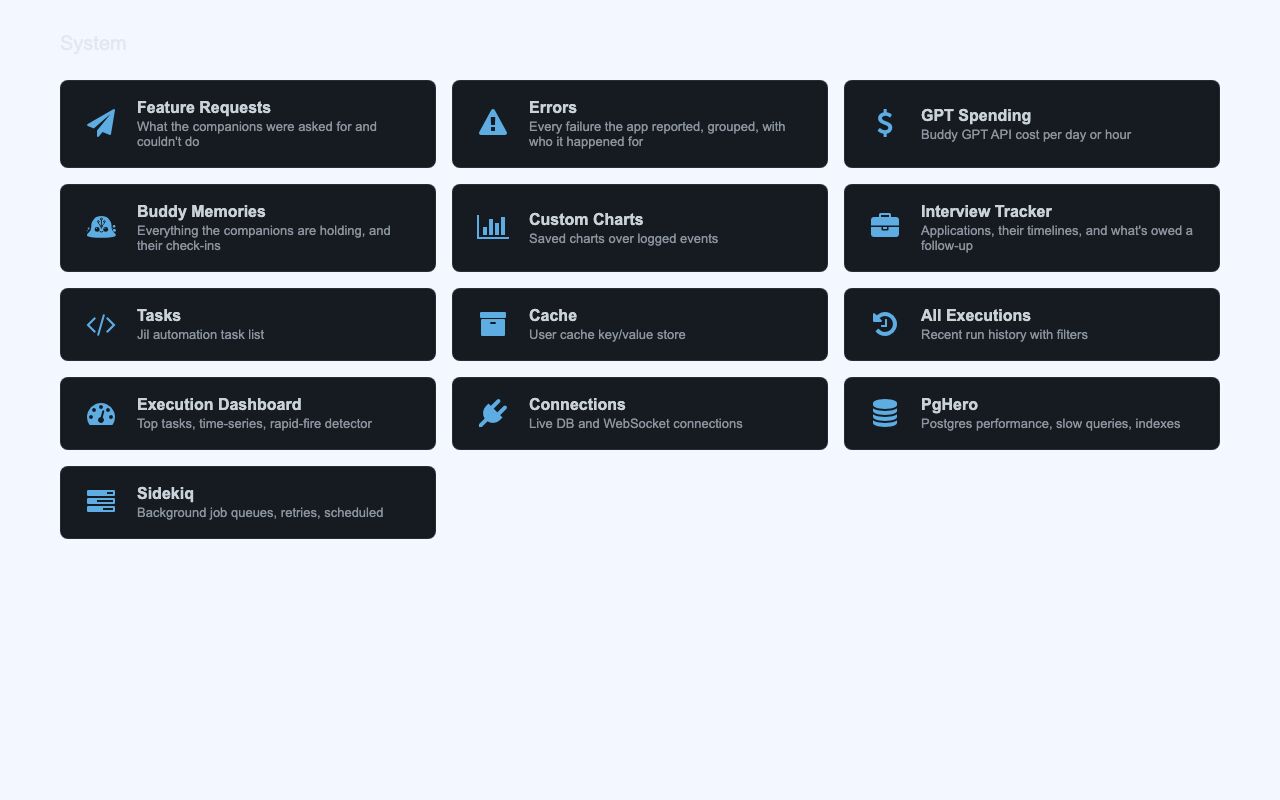
System Hub is a private control room for the site owner. It brings together operational dashboards and links to related admin tools.
It centralizes the pages used to watch errors, AI spending, database activity, and feature requests. Instead of moving between separate tools, the hub gives one starting point for the site’s main operational and review tasks.
What it solves
It centralizes the pages used to watch errors, AI spending, database activity, and feature requests. Instead of moving between separate tools, the hub gives one starting point for the site’s main operational and review tasks.
It also provides triage and editing for assistant memory and feature-request records. The hub shows current status at a glance and opens the detailed pages for each area.
Features
- Hub grid A landing page of cards provides entry points to the main system areas.
- Live badges Badges show open feature requests, recent errors, and due follow-ups.
- GPT Spending A chart shows AI API cost by user over selectable time ranges, along with call counts, totals, and averages.
- Errors Reported failures are grouped by fingerprint, filterable, and expandable to show details and similar occurrences.
- Buddy Memories Assistant memories can be filtered, edited in place, and deleted.
- Feature Requests Requests can be marked open, planned, shipped, or declined, and opening the page marks them seen.
- Connections The page shows database connection-pool stats, Postgres sessions, and ActionCable socket activity.
- Related tools The hub links out to PgHero, Sidekiq, and Jil execution dashboards.
How to use it
- Open the System Hub to reach the main cards.
- Select a card for the area you want to review.
- Use the filters, search, and time-range controls on the detail pages.
- Open an item to review details such as error traces or memory records.
- Use inline edit controls where available to update records without leaving the page.
- Return to the hub to move to another area or check the status badges.
How it works
- Access is checked in two layers, through routing and a controller filter, and both return 404 when the check fails.
- AI spending is recorded as usage rows with token counts and integer micro-dollar cost values, then bucketed in SQL by local day or hour.
- Error records are written by the app and its alerting, then grouped by fingerprint with a quiet period between incidents.
- Inline edits use PATCH requests that return JSON so rows can update without reloading the page.