Notes & Pages
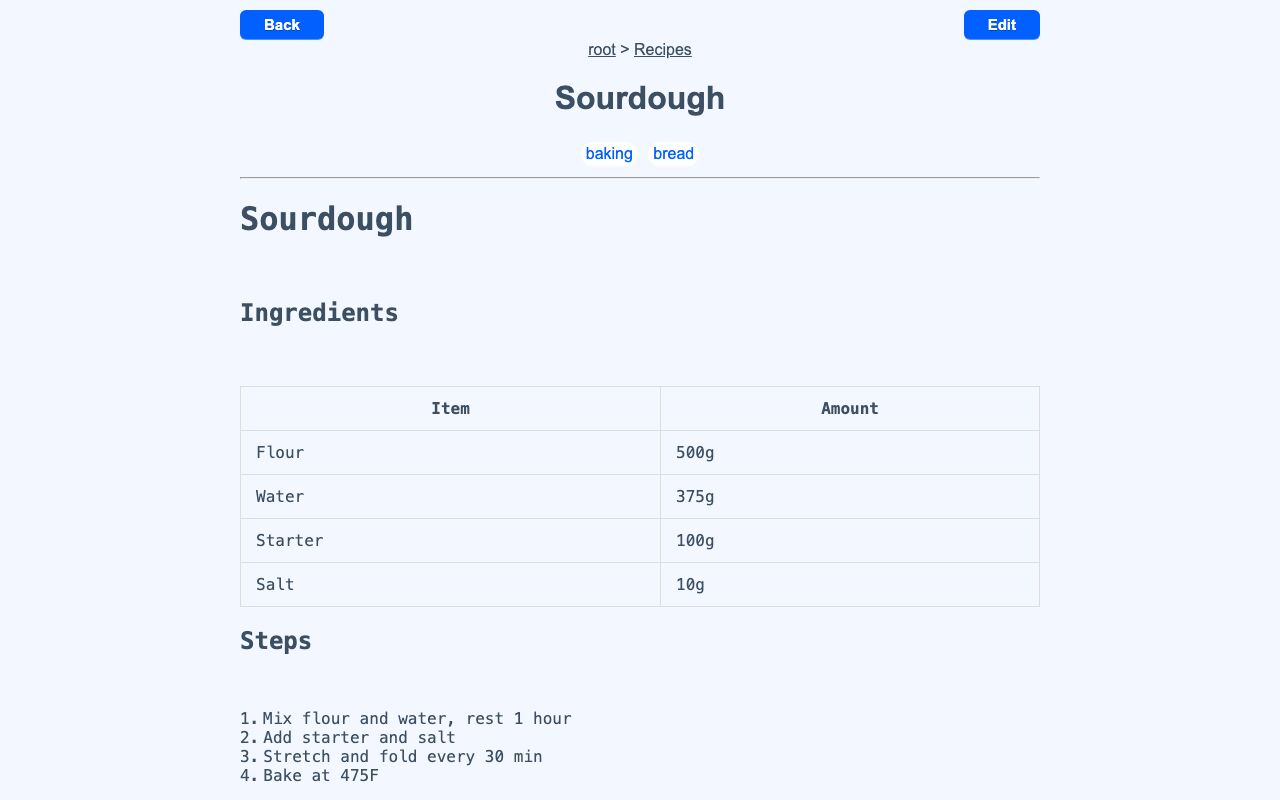
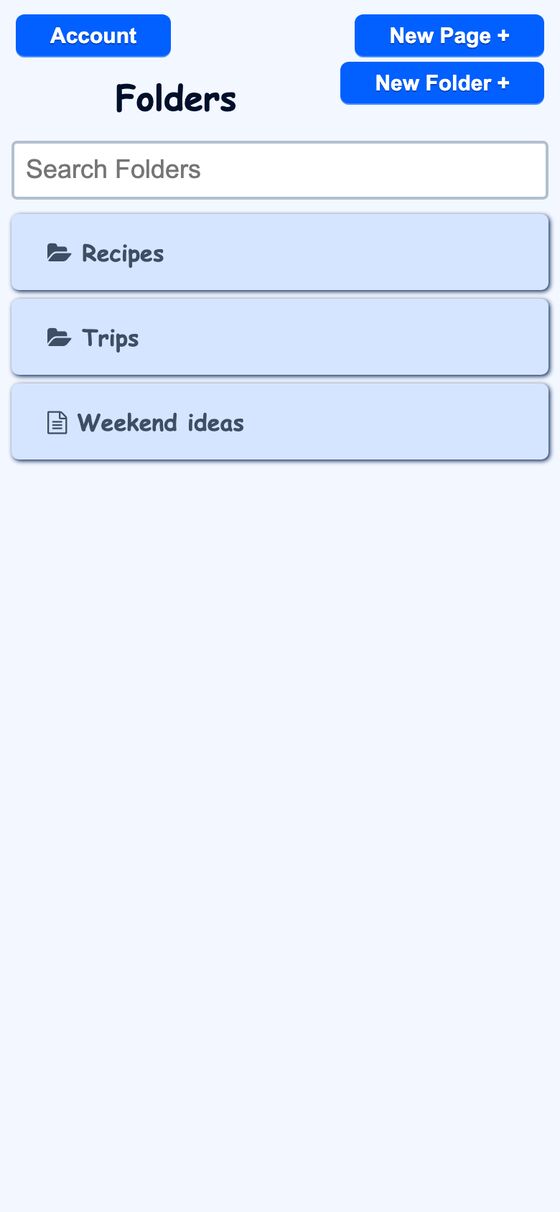
Notes & Pages is a personal notes app for creating pages in a lightweight Markdown-style syntax, organizing them in nested folders, tagging them, and sharing individual pages read-only by username. Pages are rendered from stored markup with a custom server-side renderer.
It helps organize notes into folders and subfolders instead of leaving them as a flat list. It also lets pages be shared with other users without giving them edit access.
What it solves
It helps organize notes into folders and subfolders instead of leaving them as a flat list. It also lets pages be shared with other users without giving them edit access.
It supports writing in a plain textarea while still displaying formatted content on the page. Pages can be searched, tagged, and linked to other pages by name.
Features
- Nested folders Organize pages inside folders and subfolders, with breadcrumbs and a search box on listings.
- Readme page A page named
readmein a folder appears at the top of that folder view. - Markdown-style pages Write page names, comma-separated tags, and content in a textarea that auto-sizes to the text.
- Rich formatting Render headings, bold, italic, strikethrough, code, blockquotes, lists, tables, images, links, centered lines, horizontal rules, and auto-linked URLs.
- Color chips Use
#hex - Internal links Link to other pages by name with wiki-style syntax.
- Inline icons Insert icons with
[ticon:...], including household icons. - Emoji autocomplete Type
:to open an emoji and icon autocomplete popup. - File import Drag a text file onto the editor to load its contents.
- Read-only sharing Share a page with another user by username and remove access later.
How to use it
- Open the notes home page to see folders and loose pages.
- Create a folder or open an existing folder to organize related pages.
- Create a page, then add a name, tags, and content in Markdown-style syntax.
- Use headings, lists, tables, links, icons, or color chips in the content.
- Drag a text file onto the editor if you want to load text from a file.
- Share a page with another user by username if read-only access is needed.
How it works
- Pages are rendered on the server from Markdown-style markup with a custom Ruby renderer.
- Input is HTML-escaped first, then processed through ordered rules, with finished blocks tokenized so later rules do not reprocess them.
- Internal links resolve against the viewer's own pages, and icon lookups are scoped so ids do not cross accounts.
- Pages use unique per-user slugs generated before save with collision suffixing.
- Sharing uses a join table with a unique page-and-user index, and page changes can be broadcast through ActionCable for incremental sync.