Lists
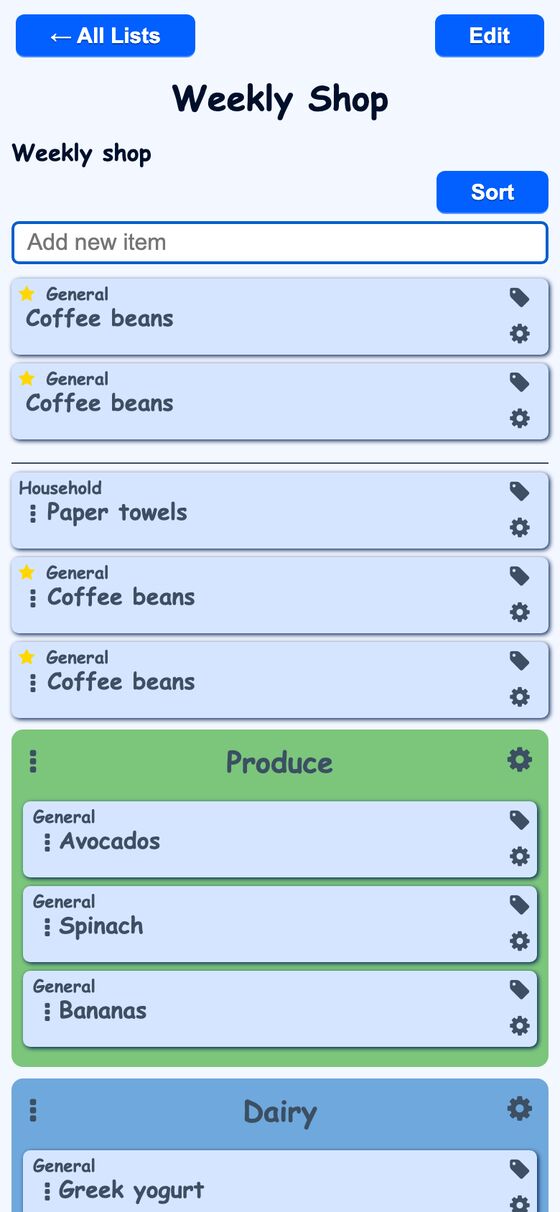
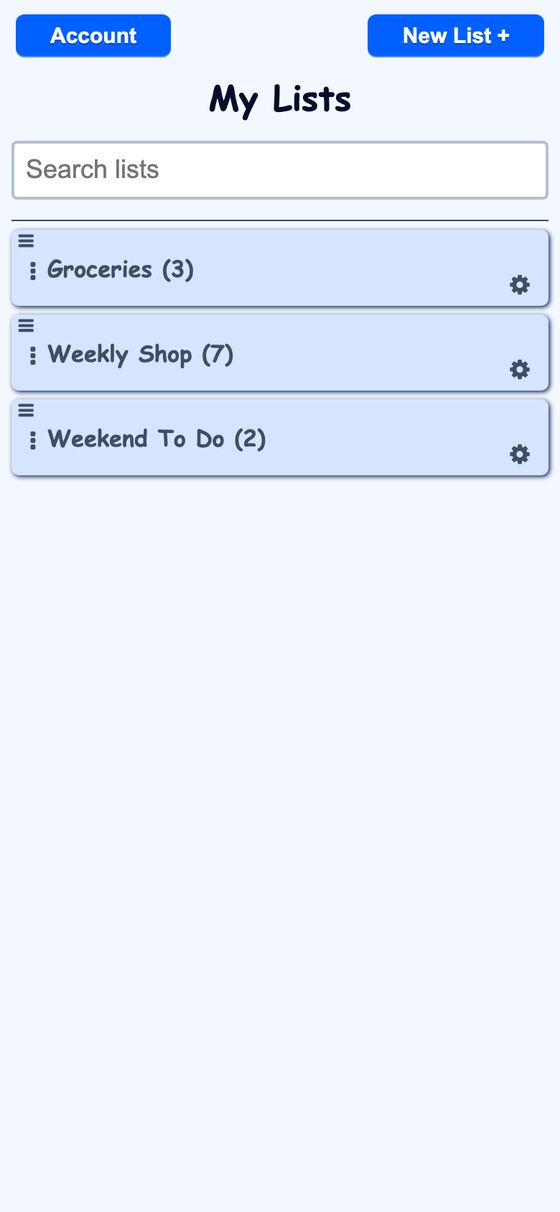
Lists is a shared list app for groceries, chores, and other items. It keeps list changes in sync across devices and supports voice, text, and API updates.
It solves the problem of keeping shared lists current when multiple people use them on different devices. Changes appear across connected clients, and the app can still accept edits when the connection is weak by queueing them until it reconnects.
What it solves
It solves the problem of keeping shared lists current when multiple people use them on different devices. Changes appear across connected clients, and the app can still accept edits when the connection is weak by queueing them until it reconnects.
It also gives a single list experience for typed edits, voice or text commands, sharing, and API-driven updates. That makes it possible to manage the same list from a phone, tablet, or browser without switching tools.
Features
- Live updates List changes are broadcast to connected devices as soon as they are saved.
- Quick add The list page includes a box for adding new items quickly.
- Search and filter The lists index and list view support filtering while typing.
- Drag and reorder Items and lists can be reordered by dragging.
- Sections Colored sections group items within a list, and items can be moved between sections and the top level.
- Item options Items can be marked important or permanent, and permanent items stay on the list after being checked off.
- Duplicate revival Re-adding a checked-off item brings back the same row instead of creating a duplicate.
- Sharing Owners can invite collaborators, and invitees can join or register from an SMS link.
- Per-list app view Each list can serve its own web app manifest so it can be pinned like a separate app.
- Natural-language edits It accepts commands such as add, remove, and clear through the voice assistant, SMS, or API.
How to use it
- Open the lists page to see your lists and search for one.
- Open a list to view its items, sections, and collaborators.
- Add items with the quick-add box or through a natural-language command.
- Check off items, reorder them, or drag them into a section.
- Mark items important or permanent when needed.
- Invite another person to share the list, or use the list through the API.
How it works
- It uses ActionCable to broadcast list changes to connected clients.
- Each change is sent as both JSON and server-rendered HTML.
- The client compares incoming HTML with the current page and updates items in place.
- Offline edits are stored locally, then replayed after reconnect.
- Broadcasts include timestamps so older snapshots are ignored.