List Builders
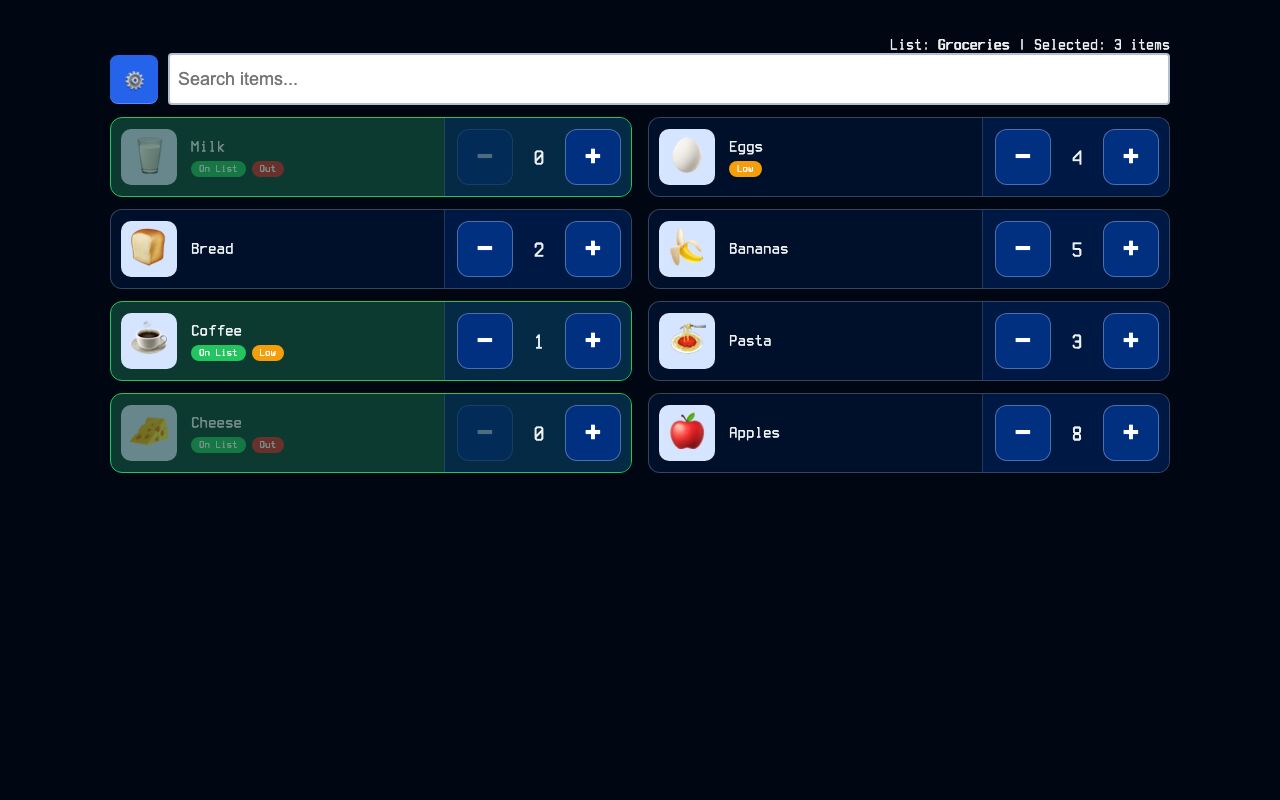
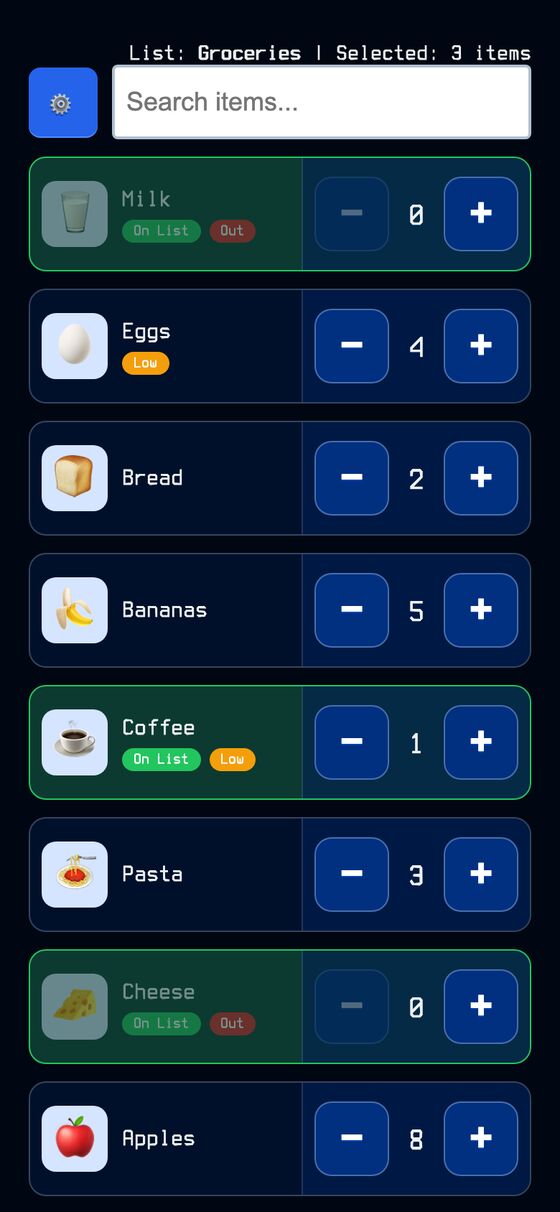
Touch panels for a shared shopping or to-do list. Each panel shows regularly needed items as large tappable rows, with counts and status for what is still at home.
It reduces the work of checking off recurring items on a shared list. Each item can be tapped to add it to the connected list or remove it, while keeping a visible count of stock at home.
What it solves
It reduces the work of checking off recurring items on a shared list. Each item can be tapped to add it to the connected list or remove it, while keeping a visible count of stock at home.
It also helps keep shared lists in sync across devices. Changes update live on every phone or tablet using the same list, and low or out-of-stock items are flagged on the panel.
Features
- Builder index A searchable index shows the available builders.
- Item form Builders can be edited with a name, connected list, and one item per line in a text format.
- Tappable rows Each item appears as a large row that can be toggled on or off the connected list.
- Stock counts Each item keeps a count, with plus and minus controls for stock at home.
- Low and out badges Items at or below the threshold show a Low badge, and items at zero show Out with a dimmed row.
- Fuzzy search The panel includes search for finding items quickly.
- Inline editing Items can be added, edited, deleted, and reordered in a modal or with a raw-text editor.
- Disconnect notice A banner appears when the socket connection drops.
- Home screen install Each panel can be installed to a home screen as its own app.
How to use it
- Open the builder index and choose a builder.
- Create or edit a builder by giving it a name, selecting the connected list, and entering items one per line.
- On the panel, tap an item row to add it to the connected list or remove it.
- Use the plus and minus controls to adjust stock counts.
- Watch for Low and Out badges to see which items need attention.
- Use the search field or edit mode when the item list needs changes.
How it works
- The panel is server-rendered with the current items, list item names, and a timestamped snapshot.
- Real-time updates use ActionCable on separate channels for the panel items and the underlying list.
- Local taps update the display immediately, then stock changes are batched and sent to the server.
- Each snapshot includes a server millisecond stamp, and older updates are ignored if a newer state is already shown.
- Concurrent writes are serialized with PostgreSQL advisory locks so stock updates do not overwrite each other.