Inventory
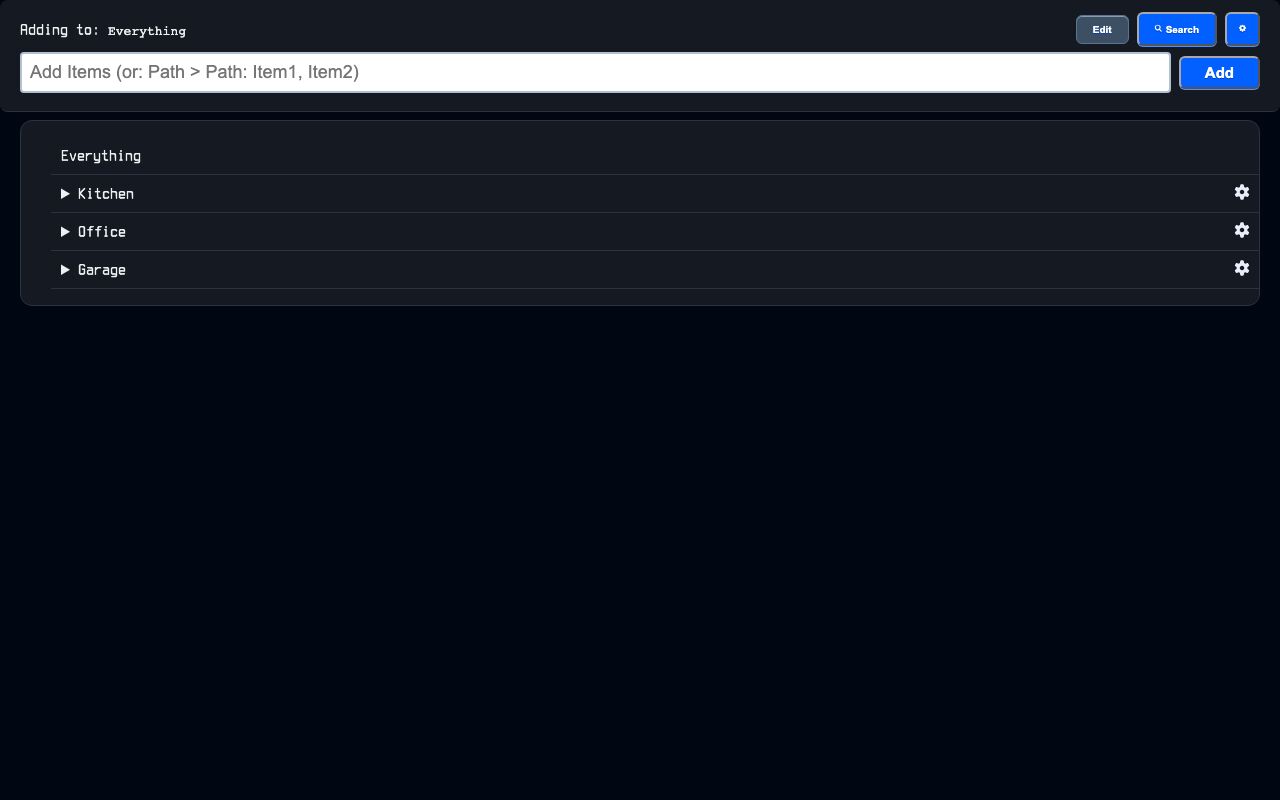

Inventory is a home inventory tool for tracking what is packed where. It stores items and containers in a nested tree so each level can be opened, searched, and shared by box.
Inventory helps organize packed belongings across rooms, shelves, totes, drawers, and items without losing the parent-child structure. Search reaches through the full hierarchy, so a single term can find the item and show its full location.
What it solves
Inventory helps organize packed belongings across rooms, shelves, totes, drawers, and items without losing the parent-child structure. Search reaches through the full hierarchy, so a single term can find the item and show its full location.
It also gives each box a short code that can be turned into a QR label. Opening that link shows the box contents directly.
Features
- Nested tree Each row can be a box or an item, and boxes can contain unlimited levels of children.
- Smart entry One input can add several items or create a full path and items at the same time.
- Drag and drop Boxes and items can be reordered and moved between boxes on desktop and touch devices.
- Keyboard control Arrow keys, search, expand and collapse, undo and redo, and multi-select are supported.
- Search results Search shows full breadcrumb paths and lets you jump directly to a matching box.
- Edit modal Boxes can be renamed, described, noted, photographed, and deleted from one place.
- Short box URL Each box has a short shareable /b/ code that can be used for QR labels.
- Import and export The tree or a subtree can be moved in or out as CSV or nested JSON.
- Live sync Changes are queued and appear on other devices after reconnect.
How to use it
- Open Inventory to see the box tree.
- Add a box, item, or a nested path using the quick add field.
- Open a box to view or edit its contents.
- Use search to find an item and open its full location in the tree.
- Reorder or move boxes and items by dragging them or using the keyboard.
- Copy the short box URL or use the QR label flow for a box.
- Import or export the tree when bulk changes are needed.
How it works
- Tree rendering The server renders only the open levels of the tree, and deeper levels load when expanded.
- Hierarchy data Each box stores its full hierarchy so search can match through nested parents.
- Shared search Search is compiled through the app query language into SQL over name, hierarchy, description, and notes.
- Real-time updates Box changes are broadcast over ActionCable and filtered by channel on the client.
- Queued edits The client applies changes immediately, then sends them in order and retries transient failures.