Gcode Splitter
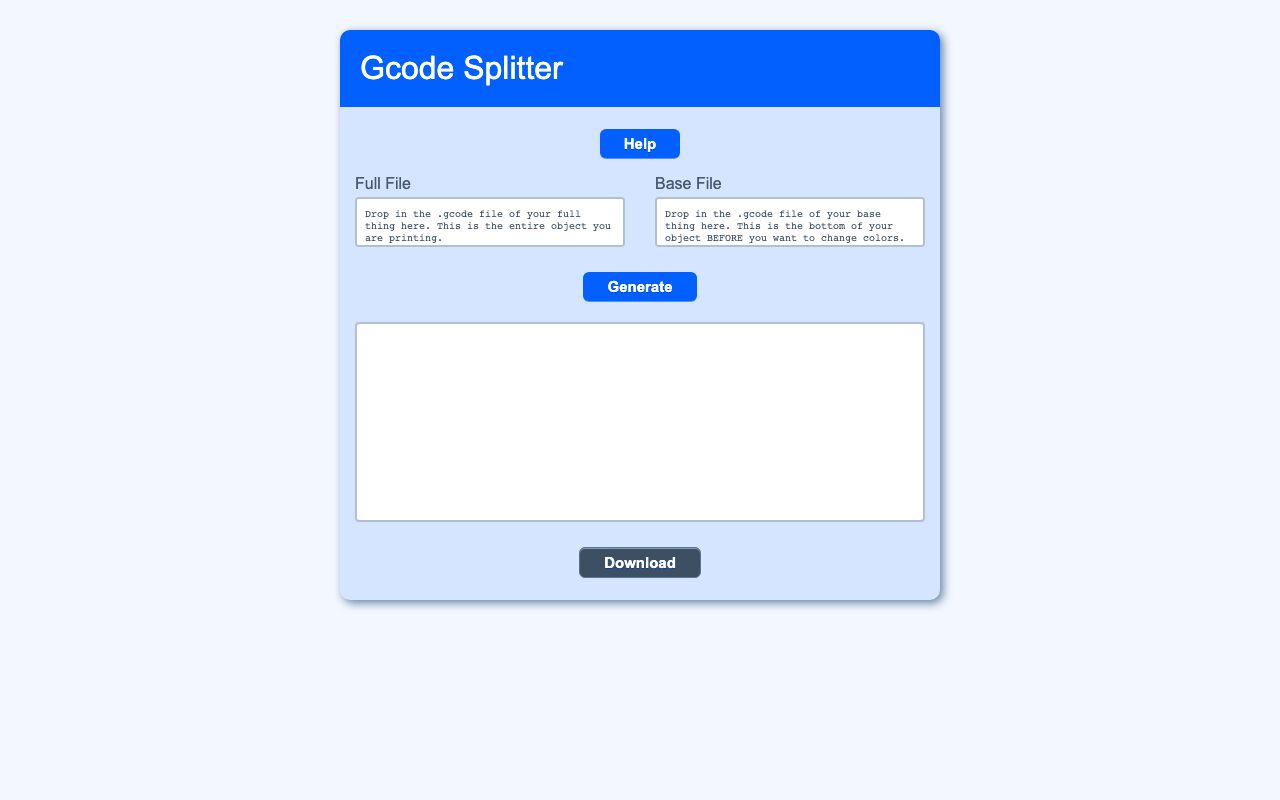
Gcode Splitter is a browser tool for preparing multi-color 3D prints on a single-extruder printer. It combines two Cura-generated Gcode files into one file that pauses at a chosen layer so the filament can be swapped.
Single-extruder printers cannot change filament automatically during a print. This tool addresses that by taking a full model file and a base file, then creating one merged print file with a pause placed at the layer where the color change should happen.
What it solves
Single-extruder printers cannot change filament automatically during a print. This tool addresses that by taking a full model file and a base file, then creating one merged print file with a pause placed at the layer where the color change should happen.
It removes the need to edit Gcode manually. The result is a single file that prints the base, pauses at the transition point, and then resumes with the rest of the model.
Features
- Two file inputs: It provides separate drop zones for a full file and a base file, and the files can be dropped in either order.
- Automatic base detection: It treats the smaller file as the base file when the files are dropped.
- Merged output: It inserts a filament-change command at the first layer above the base file's final height.
- Preview text box: It shows the generated merged Gcode in a text box.
- Download option: It saves the output as
multicolor-<original name>.gcode. - Clear validation: It shows errors for missing files, identical sizes, no Z move found, and nothing above the base.
- Help modal: It includes step-by-step instructions and example images for the full model, base, and finished print.
- Local processing: It runs entirely in the browser and does not send or store files on a server.
How to use it
- Open the tool in the browser.
- Prepare two Cura Gcode files: one from the full model and one cut at the height where the color change should happen.
- Drag both files into the drop zones.
- Click Generate to create the merged Gcode.
- Review the output in the text box.
- Click Download to save the result as a multicolor Gcode file.
How it works
- It reads files in the browser with HTML5 drag-and-drop and the File.text() API.
- It scans Gcode with a regular expression for Z-axis travel moves to find layer heights.
- It compares the base file's final height to the full file and finds the first move above that height.
- It injects Marlin's M600 filament-change command immediately before that layer.
- It creates the download with an on-the-fly data URI anchor, so no backend endpoint is used.