Events
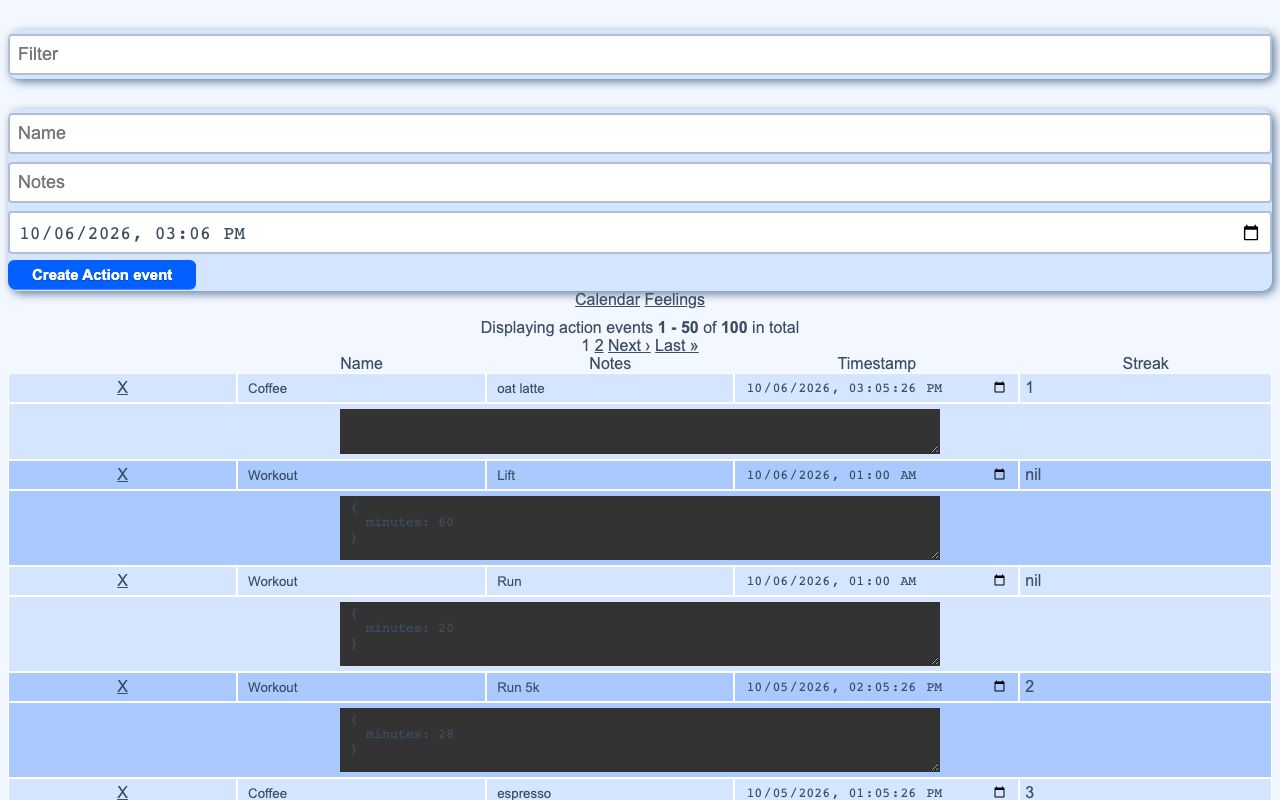
Action Events is the app’s universal personal log. It stores each event as one row with a name, notes, a timestamp, and optional JSON data.
It gives a single place to record many kinds of events, including meals, drinks, workouts, and purchases. The same log can be searched, edited, viewed on a calendar, and used by other parts of the app.
What it solves
It gives a single place to record many kinds of events, including meals, drinks, workouts, and purchases. The same log can be searched, edited, viewed on a calendar, and used by other parts of the app.
It also supports multiple ways to write data into the log, including direct entry, inline edits, natural-language logging, and automation-driven writes.
Features
- Quick add A form creates a new event with a name, notes, and date or time.
- Timestamp shifts Notes that start with +N or -N move the timestamp by that many minutes.
- Search syntax The list supports query terms such as name, notes, and data filters.
- Editable table Name, notes, timestamp, streak, and JSON data can be edited in place.
- Pretty JSON Structured data is shown as an editable formatted block.
- Delete action Events can be removed from the table.
- Streak tracking Each event stores the count of consecutive days for the same event name.
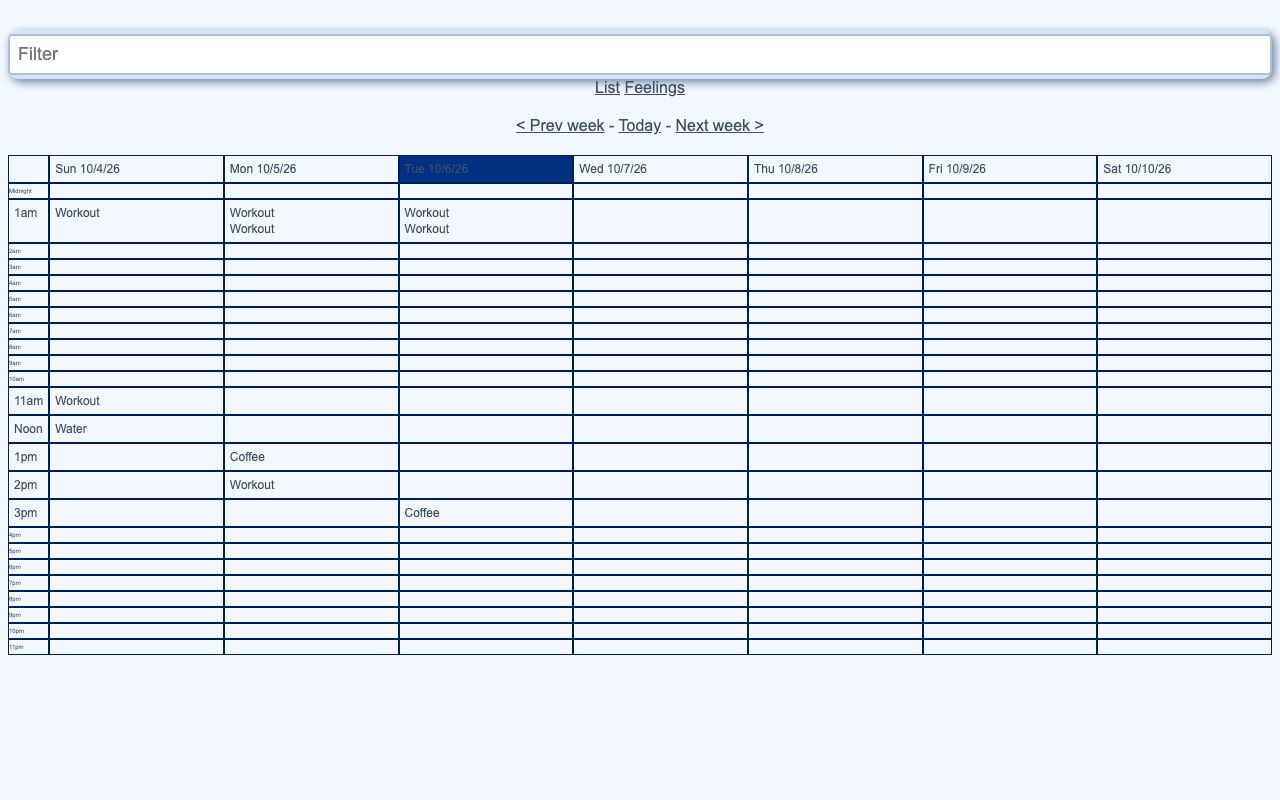
- Calendar view A week-by-hour calendar shows events and follows the current search filter.
- Latest timestamps A JSON endpoint returns the latest timestamp for each query.
How to use it
- Open the event log and review the existing entries.
- Add a new event with a name, notes, and timestamp.
- Use the search box to filter events by name, notes, or data.
- Edit a row directly in the table to change a field.
- Expand or update the JSON data when the event needs structured details.
- Switch to the calendar view to review events by hour across the week.
- Use the latest-timestamp endpoint when another widget needs the newest matching event.
How it works
- Event data is stored in one table with name, notes, timestamp, streak length, and JSON data.
- Reads, updates, and deletes are limited to the current user’s events.
- Search terms are parsed into SQL through the app’s tokenizer and search parser.
- Create, update, and delete actions go through a notifier that triggers automation and background work.
- Streaks are recalculated by a Sidekiq job that walks through later events with the same name.