Contacts
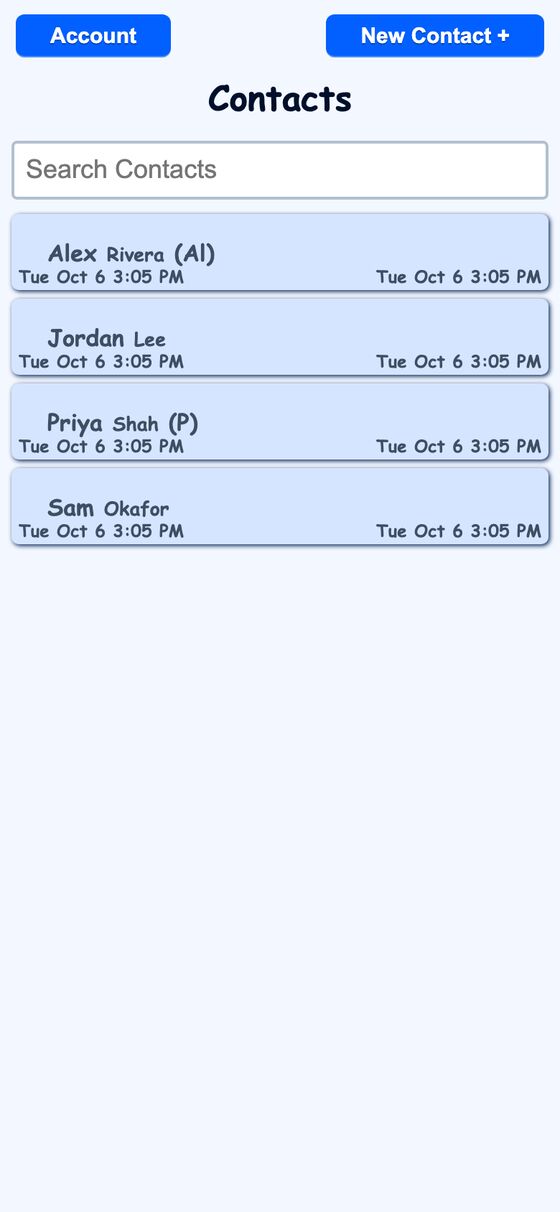
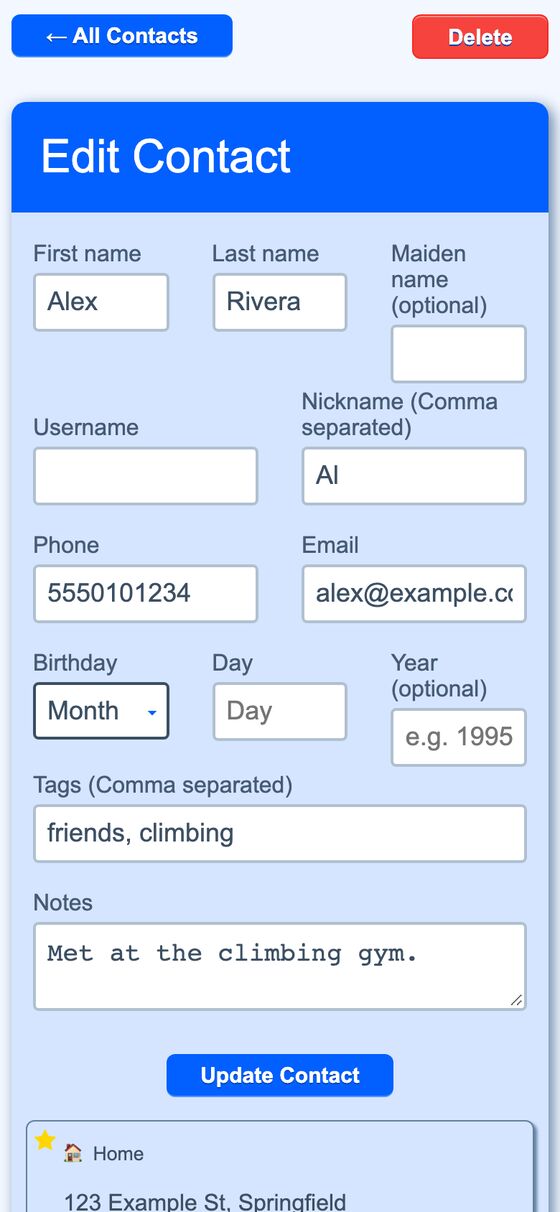
Contacts is a personal address book for storing names, contact details, birthdays, tags, notes, and one or more pinned addresses. It also supports lookup and sync features used elsewhere in the app.
It centralizes contact data that other parts of the platform need for name lookup, calendar entries, and address resolution. That avoids scattered manual entry when the app needs a street address or a birthday event.
What it solves
It centralizes contact data that other parts of the platform need for name lookup, calendar entries, and address resolution. That avoids scattered manual entry when the app needs a street address or a birthday event.
It also lets a contact hold multiple addresses and structured details such as nicknames, tags, and notes. Linked friends can be marked so automations may pass messages to their accounts.
Features
- Searchable list A case-insensitive contact list supports searching by name and shows created and updated timestamps.
- Name fields The form stores first name, last name, maiden name, nicknames, phone, email, birthday, tags, and notes.
- Linked friends A contact can be linked to another account by username, with a relay toggle for message passing.
- Multiple addresses Each contact can have more than one address with a label, icon, and primary flag.
- Primary address Exactly one address is kept as primary for each contact, and another address can take over if the primary is removed.
- Map editor An address can be searched by street text and adjusted by dragging a map pin to refine coordinates.
- Birthday calendar Birthdays appear automatically on a read-only calendar in the agenda.
- Name lookup The system can resolve exact names, nicknames, linked usernames, and loose name variants for assistant lookups.
- Tags Tags are stored from comma-separated text and shared with other tagged records.
How to use it
- Open the contacts list and search for a person by name.
- Create or edit a contact and fill in the name, contact details, tags, and notes.
- Add nicknames or link the contact to another account if needed.
- Add one or more addresses and mark one as primary.
- Use the address editor to search for a street and adjust the pin if needed.
- Save the contact so birthdays and lookup features can use the updated data.
How it works
- Contact records are owner-scoped, and the owner check blocks access to another user's contact.
- Address records are reached through the current user's contacts, which keeps them tied to the owner.
- Name lookup searches exact names first, then nicknames, linked usernames, possessive or location variants, and punctuation-free forms.
- Birthday changes trigger a sync that creates yearly all-day events on a dedicated read-only calendar and hides imported duplicates.
- The address book is exposed to the automation layer for find, search, create, update, relay, geocoding, reverse geocoding, nearest-contact lookup, and travel-time estimates.