🔒 This tool is private
· Sign in
Byte & Buddy
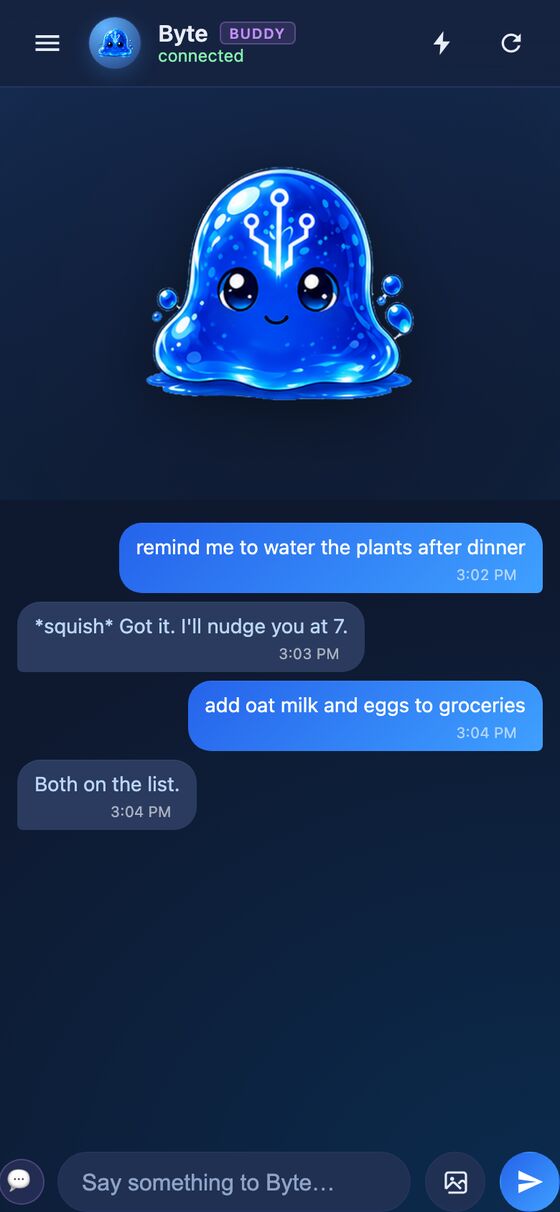
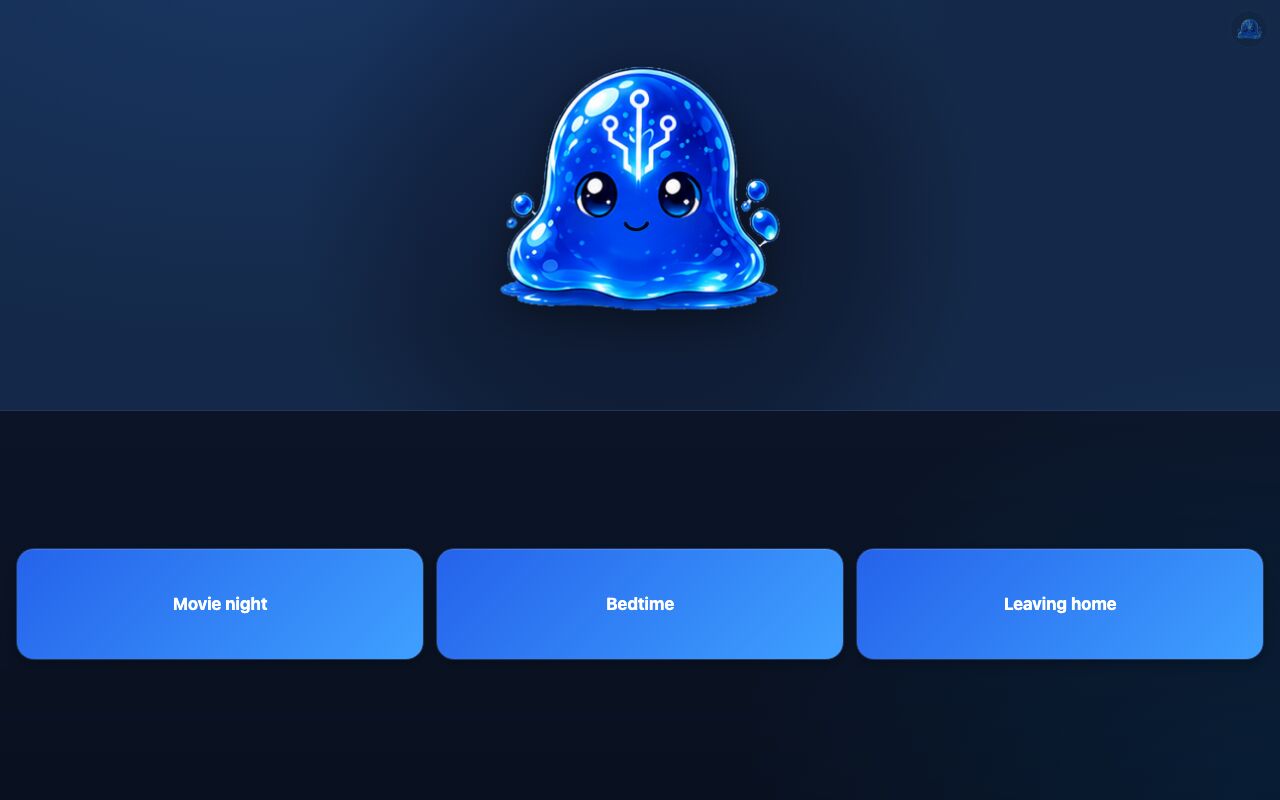
Byte is a private chat app with one companion thread per conversation. It runs as a phone app and also includes a kiosk view for a wall tablet.
Byte gives the household a place to talk to an AI companion and turn plain requests into actions. It handles reminders, timers, lists, routines, messages between household threads, and other connected tasks.
What it solves
Byte gives the household a place to talk to an AI companion and turn plain requests into actions. It handles reminders, timers, lists, routines, messages between household threads, and other connected tasks.
It also keeps the conversation useful over time. Messages can be searched later, follow-ups can return on their own, and photos can be turned into searchable descriptions.
Features
- Companion threads Each conversation has its own companion character with a name, color palette, personality, and animated face that changes with the conversation mood.
- Action handling Buddy can set timers, alarms, and reminders, add list and calendar items, log events, complete chores, and run home automations.
- Action cards Requests can appear as tappable cards with instant actions, undoable actions, confirm taps, or editable forms.
- Saved routines A request can be saved as a routine so a sequence of steps becomes a one-tap button.
- Reminders and alarms Reminders can trigger at a time or when a condition is met, and alarms keep ringing until someone taps them.
- Memory and search Buddy remembers ideas from the conversation, can search past conversations and other stored content, and can check back in later about earlier topics.
- Briefings and commands It includes a daily Today briefing and slash commands such as /today, /new, /rename, /fork, /compact, /archive, and /cd.
- Household message passing Household Buddies can send messages and questions to each other, with multiple-choice answers returned through taps.
- Photo search Uploaded images, including HEIC photos, are converted and given short written descriptions so they can be searched later.
- Kiosk view A wall-tablet mode shows the companion at full size with routine buttons and can be installed as its own home-screen app.
How to use it
- Open a conversation thread for the companion you want to talk to.
- Type a plain request such as a reminder, timer, list item, routine, or question.
- Tap any action card, confirm prompt, or editable form that appears.
- Use slash commands when you want to start, rename, archive, compact, or switch a conversation.
- Save repeated steps as a routine so they can be run again with one tap.
- Open the kiosk view when you want the large companion display and routine buttons.
How it works
- The chat turn loop runs in Rails against the OpenAI Responses API with streaming.
- A self-registering tool registry generates the system prompt and function schemas on each turn.
- Actions can run in Ruby, bash, or through a Jil trigger, and each tool declares its own confirmation and receipt behavior.
- Conversation turns are serialized with PostgreSQL advisory locks so concurrent jobs do not interleave replies.
- The app uses ActionCable for real-time sync, plus a service worker and localStorage queue for offline-first message handling.