🔒 You must have an account to use this tool
· Sign in · Create an account
Board Games
Board Games is a score keeper for game night that runs on one phone beside the table. It lets a game be set up once and then reused for play, scoring, and history across sessions.
Game nights need a way to record rolls, score changes, turns, and winners without passing around paper or depending on a network connection. Board Games keeps that information in one place and supports repeated play with the same game setup.
What it solves
Game nights need a way to record rolls, score changes, turns, and winners without passing around paper or depending on a network connection. Board Games keeps that information in one place and supports repeated play with the same game setup.
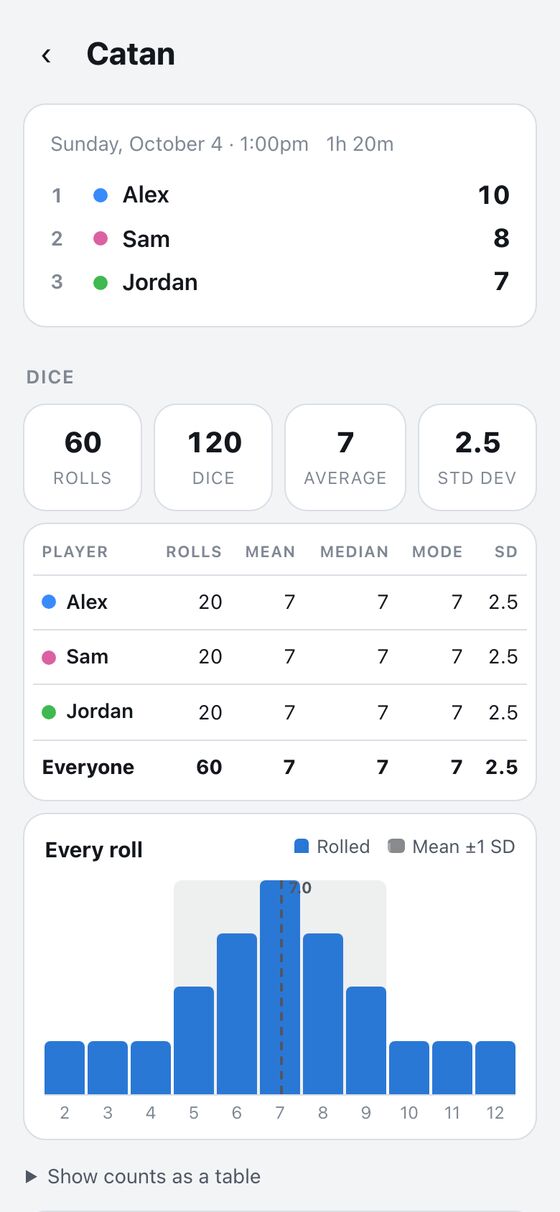
It also preserves history and statistics for each game. That makes it possible to review past plays, compare scores, and check dice results after the game is finished.
Features
- Saved setups Templates store dice rules, scoring mode, win direction, auto-advance, quick score presets, and aliases for renamed games.
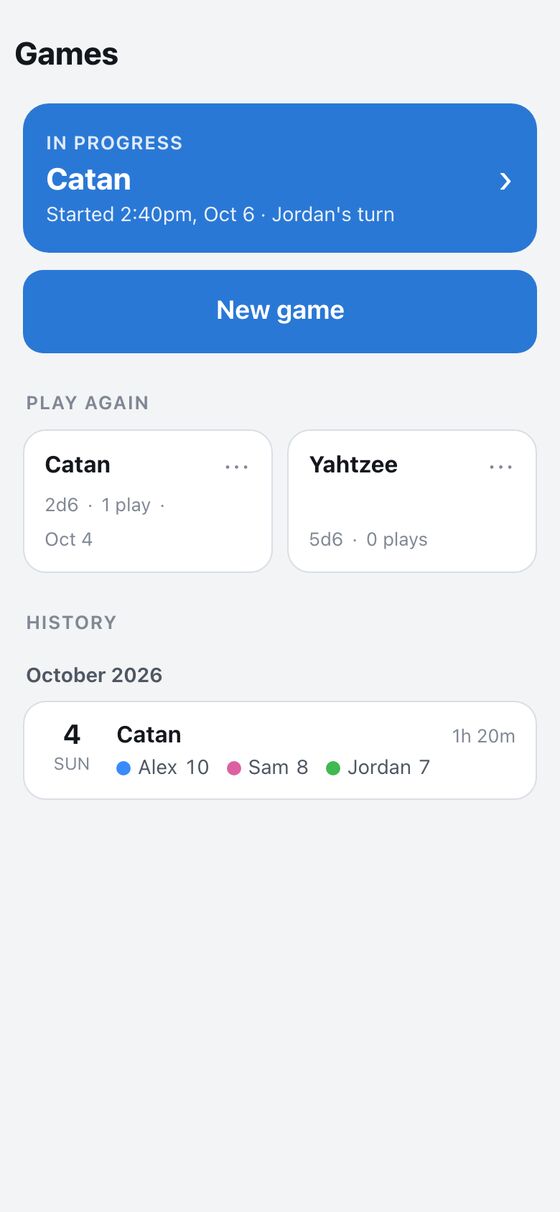
- Resume play The home screen shows a resume card for the current game in progress.
- Play again Past games appear as tiles sorted by last played, with play counts.
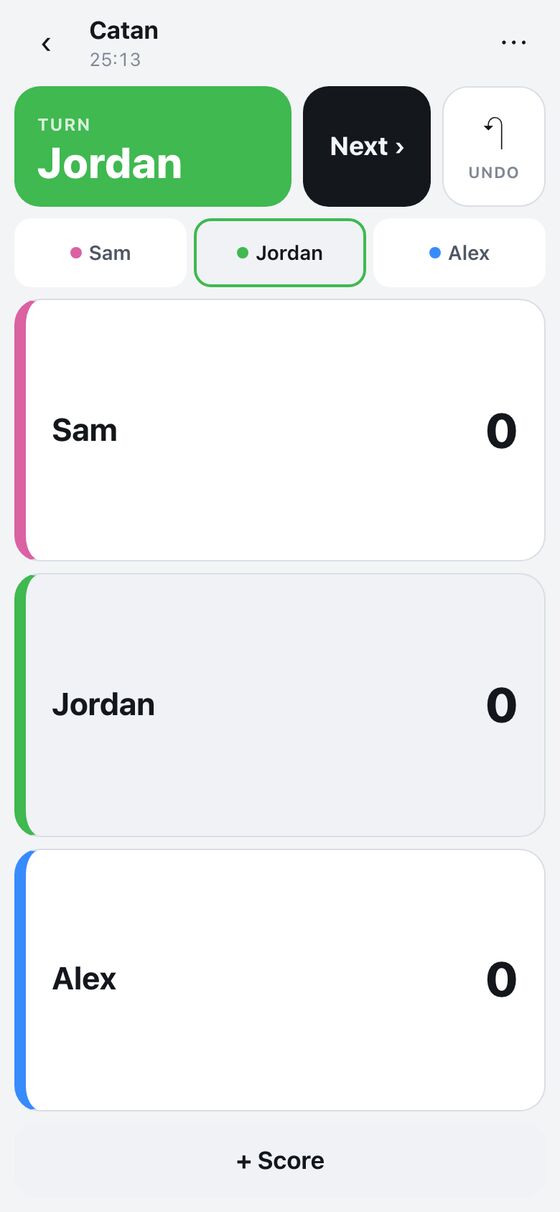
- Live scoring The play screen records dice totals and per-player score changes during turns.
- Dice input It supports a value grid, a custom keypad for larger totals, and an optional virtual dice roller.
- Turn control Undo stays visible, turns can auto-advance, and players can be edited during play.
- Player colors Player colors are remembered and reused for later plays with the same player name.
- Finish handling The finish form computes the winner from the saved scores and win rule.
- Replay A game can be started again with the same players, with the first player rotated.
- Statistics Each play and game has stats for dice distribution, central tendency, turn time, and a chi-square fairness check.
How to use it
- Create or open a saved game setup.
- Start a play session with the desired players and scoring rules.
- During play, tap dice totals and enter score changes as turns go around.
- Use Undo if a roll or score entry needs to be reversed.
- Finish the game when play ends so the winner is computed from the saved rules.
- Open the history or stats view to review past plays and dice results.
- Use replay to start the same game again with the same players.
How it works
- It uses saved game templates to define dice, scoring, win rules, and presets.
- It keeps plays, rolls, and score entries tied to the current user's game records.
- It supports offline-first play by queuing client-generated UUID records and syncing them later.
- Undo is handled as a voided roll or score entry so the change can be synced cleanly.
- Stats are computed from exact dice probabilities and shown consistently across play and game views.